Wish Upon A Llama Tools & Setup
Specs, input options, and practical setup pages for a smooth cozy session.
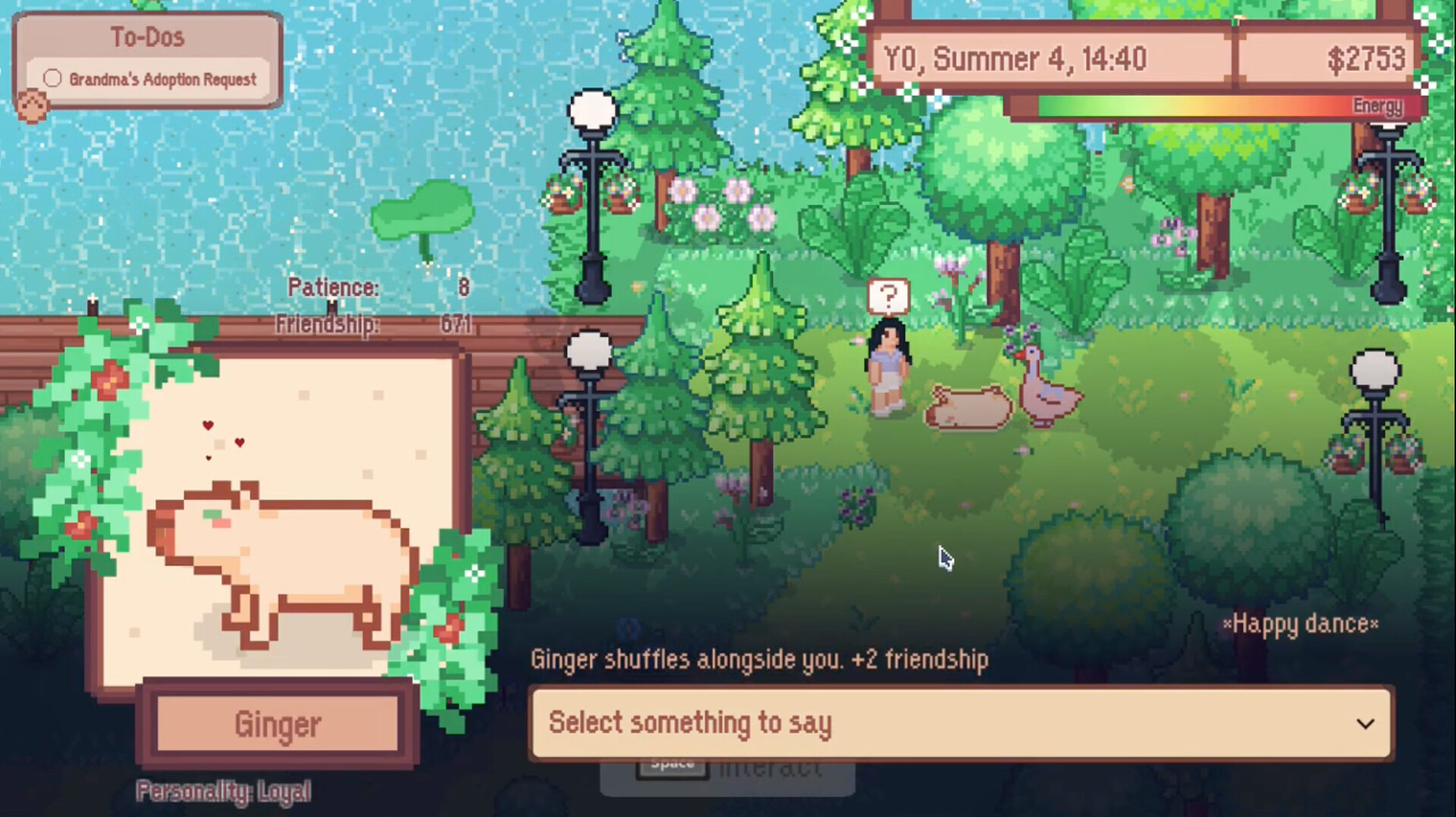
Before you sink another evening into Llama Town, make sure your device and controls are ready. This Tools Hub gathers the practical setup pages for Wish Upon A Llama: hardware minimums, keyboard versus controller guidance, and Steam Deck notes drawn from public Steam listings and the October 2026 demo QoL pass. Soft systems like breeding calculators can arrive after launch; right now the highest-value “tools” are clarity and comfort.
Jump straight to system requirements or controls. For gameplay onboarding, use Getting Started and the demo walkthrough. Launch timing lives on the release date page.
What belongs in Tools
- Hardware checks so older laptops and Macs are not surprised on December 9, 2026.
- Input guidance for mouse and keyboard, partial controller support, and Deck quirks fixed in recent demo builds.
- Accessibility-minded options previewed for the full game (slower speed, batch chores, optional auto doors).
- Performance expectations after the demo’s loading-time pass.
We will not invent overlay apps, cracked trainers, or unofficial save editors. If Millionhare ships official photo tools or in-game filters, Screenshot Mode already points that direction for the full release.
Recommended setup path
- Confirm your OS and storage headroom on the system requirements page.
- Install the Steam demo (2262630) and test a 30-minute session on the device you plan to main.
- Read controls and practice hold-to-pet-while-walking plus map navigation.
- If you use a Deck or other handheld, re-test after each demo refresh — October specifically called out Deck fixes.
- Wishlist your launch storefront via the Links Hub so you are ready when the release date arrives.
How tools support the cozy fantasy
Wish Upon A Llama asks you to notice small things: bin fill levels, who has been walked, which neighbor might want which companion. Fiddly input or hitching loads break that mindfulness. Spending ten minutes on setup protects the hours you will spend on the Animals Tier List Hub, breeding genetics, adoption center, and romance guide.
Controller users should especially care about the full-game map overhaul — clearer markers, dotted paths to pins, and stronger controller support were listed in October’s polish notes. Learning sticks and face buttons in the demo means fewer friction points when the complete town opens.
After launch
Once patches land, this hub will link any official calculators, photo-mode tips, or platform-specific fix lists. Until then, treat Tools as your pre-flight checklist. Pair it with the Updates Hub and demo updates whenever Steam news mentions performance or input.
Official site, Discord, and socials stay on the Links Hub and community resources page. Set your machine up kindly, then go pet some animals.
Frequently Asked Questions
Quick answers to the most common questions.
What tools are available before launch?
This hub focuses on system requirements and controls guidance. Community calculators may appear after the December 9, 2026 release.
Does Wish Upon A Llama support controllers?
Steam lists partial controller support, and October 2026 demo notes include controller and Steam Deck fixes. Full-game map work also targets controllers.
Where do I check PC specs?
Open the System Requirements page linked from this hub for Windows and macOS minimums.
Is the game single-player only?
Yes. Setup pages assume a single-player cozy session with single-player only requirement.